
Expo Hotfixes Without App Store Review: How Teams Ship Emergency Fixes
The Real Problem
You ship a build. It passes store review. It goes live. Then something breaks.
Maybe it's a crash loop on iOS 18. Maybe a payment flow breaks for a subset of users. Maybe a critical API endpoint changes and your app starts failing silently. Whatever it is, you can't wait three days for Apple to review a new build. You need to fix it now.
This is where OTA (Over-the-Air) updates come in. Expo Updates lets you push JavaScript fixes instantly, without resubmitting to the App Store. But there are limits, and at scale, the process gets expensive and slow. Here's how it actually works.
What Expo OTA Gives You
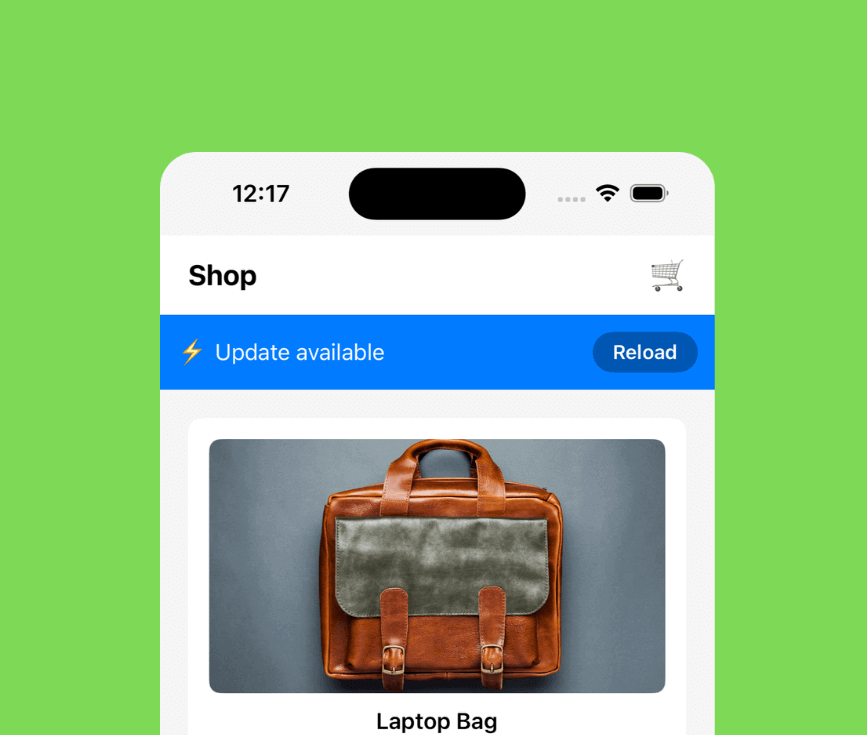
Expo Updates lets you ship JavaScript fixes instantly. No resubmission required. No waiting for review. You push an update, and devices fetch it on the next launch.
This works well for:
- •UI bugs: Wrong colors, broken layouts, missing text
- •Logic errors: Broken calculations, incorrect conditionals, API call mistakes
- •Copy and config: Typos, wrong messaging, feature flags, API endpoints
- •Crash fixes: JavaScript exceptions, null pointer errors, undefined property access
If the bug is in your JavaScript code, you can fix it with an OTA update. The device downloads the new bundle, applies it, and the fix is live. No App Store involved.
What You Can't Hotfix
OTA updates only change JavaScript. They can't touch native code, SDK versions, or anything that requires a new build.
Native code changes: If you need to update a native module, add a new dependency, or change native configuration, you need a new build.
SDK upgrades: If you need to upgrade Expo SDK or React Native version, that's a new build. OTA updates can't change the runtime version.
App configuration: Permissions, app icons, bundle identifiers, version numbers— all require a new build and store review.
This is a hard limit. OTA updates are JavaScript-only. If your bug requires native changes, you're waiting for store review.
The Hidden Cost of Hotfixes
Every OTA hotfix downloads the full JavaScript bundle again. If your bundle is 12MB, every user downloads 12MB, even if you only changed one line of code.
This creates a few problems:
- •Slow rollout: Users on slow connections take minutes to download. Some give up. Some retry later. The fix doesn't reach everyone quickly.
- •Bandwidth costs: By default, every hotfix is a full bundle download (Expo has bundle diffing in beta for SDK 55+ with Hermes, but most teams still ship full bundles). If you ship multiple hotfixes in a week, users download the bundle multiple times. Your CDN bill grows.
- •User experience: Large downloads mean longer wait times. Users on cellular connections might skip updates. The fix doesn't propagate as fast as you need.
At small scale, this is fine. At larger scale—hundreds of thousands of users, multiple hotfixes per month—full bundle downloads (Expo's default) add up. The cost grows, and the rollout slows down.
What Emergency Updates Look Like in Practice
Here's how it actually works when something breaks:
- You detect the issue. Crash reports spike. Support tickets come in. Analytics show errors. You identify the bug.
- You fix the code. One line change, maybe. You test locally. It works.
- You push the OTA update. Expo builds the new bundle. You publish it. The update is live.
- Devices start fetching. On next app launch, devices check for updates. They download the full bundle. They apply it. The fix is live for those users.
- You wait. Not everyone launches the app immediately. Some users are offline. Some are on slow connections. The fix rolls out gradually over hours or days.
- You monitor. You watch crash rates. You check analytics. You hope most users get the fix quickly. Some don't, and you might need another hotfix.
This works. It's better than waiting for store review. But the full bundle downloads mean slower rollouts and higher costs. At scale, this becomes a real problem.
How Patch-Based OTA Changes Emergencies
Differential updates change the math. Instead of downloading the entire bundle, you download only what changed. A one-line fix becomes a 50KB patch instead of a 12MB bundle.
This makes emergency fixes faster and cheaper:
- •Faster delivery: Small patches download in seconds, even on slow connections. Users get fixes immediately.
- •Lower bandwidth: 98% less data means 98% lower CDN costs. Multiple hotfixes don't multiply your bandwidth bill.
- •Easier rollback: If a hotfix breaks something, you can roll back instantly. The patch is small, so reverting is fast.
- •Better user experience: Users don't wait minutes for downloads. They get fixes immediately, even on cellular connections.
The same emergency fix—same code change, same urgency—but with patch-based OTA, it reaches users faster and costs less. This is where React Native Stallion comes in.
Expo + Stallion Together
You don't have to leave Expo to get patch-based OTA updates. You can keep Expo for development and builds, and replace only the OTA layer with Stallion.
This gives you:
- •Same Expo workflow: You still use Expo for builds, SDK management, and development tools.
- •Patch-based updates: Emergency fixes download as small patches, not full bundles. Faster rollout, lower cost.
- •Better rollback: If a hotfix breaks something, you can roll back instantly. Stallion supports instant rollback and crash-aware recovery.
If you want to keep Expo but move OTA to Stallion, this is documented here. It's a straightforward integration—you configure Stallion's SDK, point it to your Expo builds, and start shipping patch-based updates.
You get faster, cheaper, safer hotfixes without changing your development workflow. Same Expo, better OTA.
Frequently Asked Questions
Can I hotfix an Expo app?
Yes. Expo Updates lets you push JavaScript fixes instantly without App Store review. You can fix UI bugs, logic errors, crashes, and configuration issues. You cannot fix native code or SDK changes—those require a new build.
How fast do OTA updates roll out?
Devices check for updates on app launch. If an update is available, they download it. With full bundle updates, this can take minutes on slow connections. With patch-based updates, it's usually seconds. Most users get the fix within hours, but some take days if they don't launch the app frequently.
Are hotfixes allowed by Apple and Google?
Yes. Both platforms allow OTA updates for JavaScript code changes. You can't modify native code or app configuration, but JavaScript hotfixes are fine. This is how most production apps handle emergency fixes.
Can I patch only part of my app?
With full bundle updates, you always download the entire JavaScript bundle. With patch-based updates, you download only what changed. A one-line fix becomes a small patch instead of a full bundle. This is what differential updates do—they send only the diff.
Do hotfixes work offline?
No. OTA updates require an internet connection. Devices check for updates on launch, and if an update is available, they download it. If a device is offline, it won't get the fix until it comes back online and launches the app. This is why rollouts take time—not everyone is online or launching the app immediately.
If you're running into this with Expo, this is exactly why we built Stallion.